
Creality · Falcon A Series
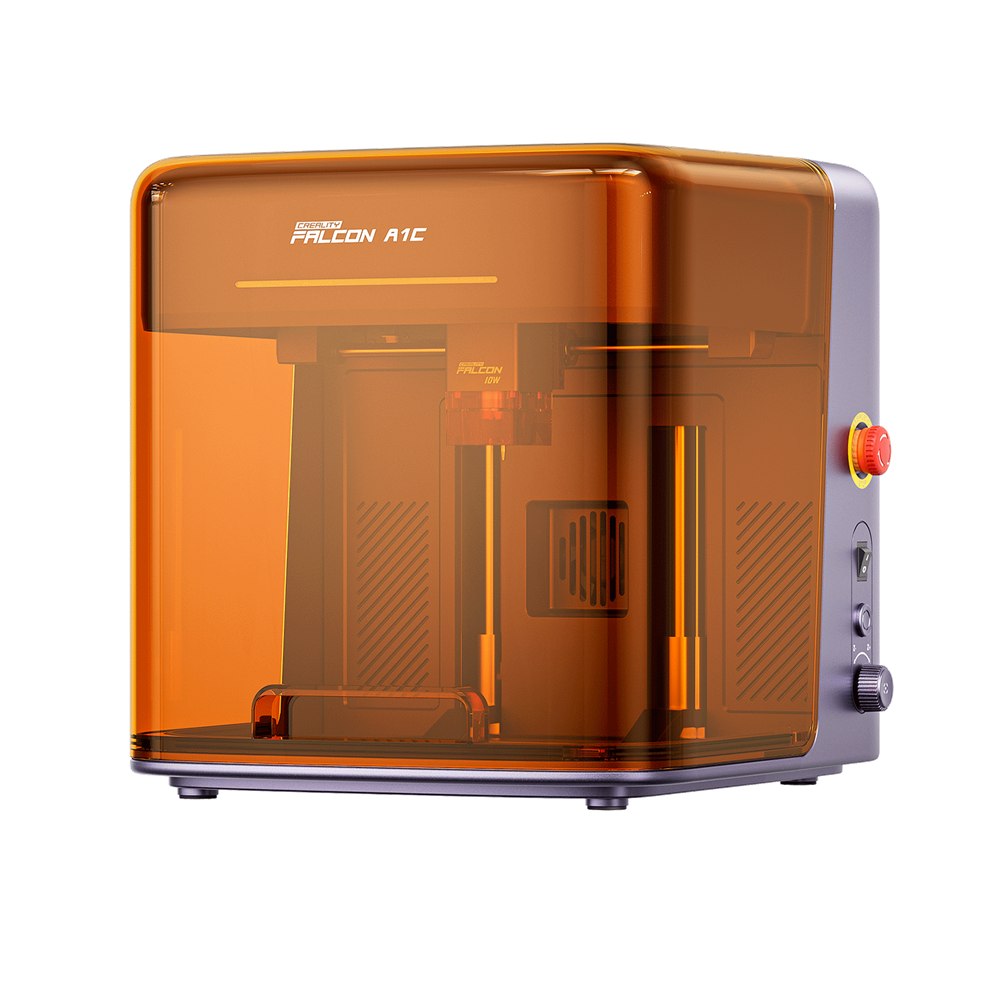
Falcon A1C
10W diode laser
RM 2,199.00
Order-in · Estimated 20–30 days
Order online


The Learning Collection · Creality
Falcon A Series
20W diode laser
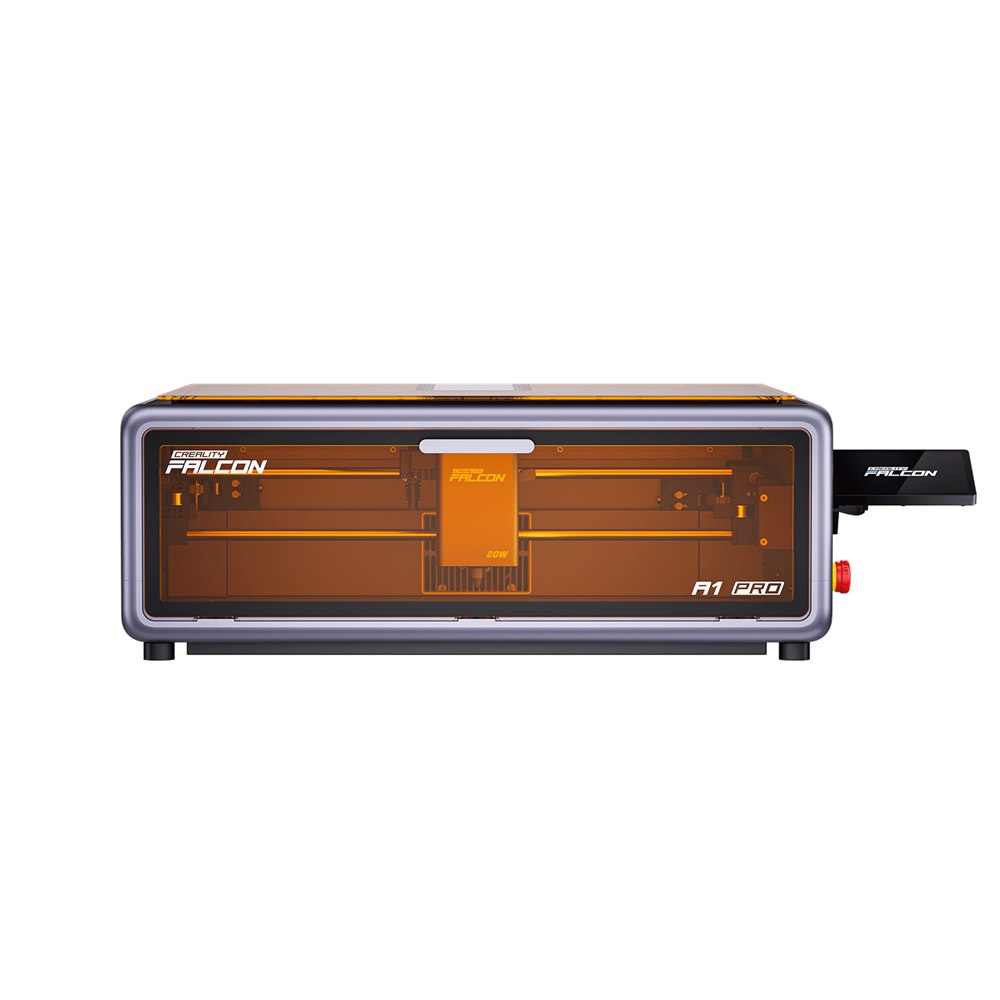
The Falcon A1 Pro is Creality's enclosed 20W diode laser engraver. It pairs a 20W blue diode with an optional 2W infrared module for metal marking, and uses a CoreXY motion system rated up to 600 mm/s across a 268 × 358 mm work area.
Order-in — estimated 20–30 days
Pay online by card. Collect at TT3 (Vincenzo Labs) or Galacity / Saradise (TLC) — we email you when it is ready.
Lead times are estimates, not delivery promises. Prices include SST and are valid until further notice.
Send a question and we will reply by email or phone — usually within one working day. No order or payment is created.
At a glance
Deep cutting and engraving on wood, leather, acrylic and more; the 2W IR module for metals and plastics is sold separately.
The largest working area in the Falcon A1 family, with batch processing for repeated parts.
CoreXY mechanics carry the toolhead at up to 600 mm/s.
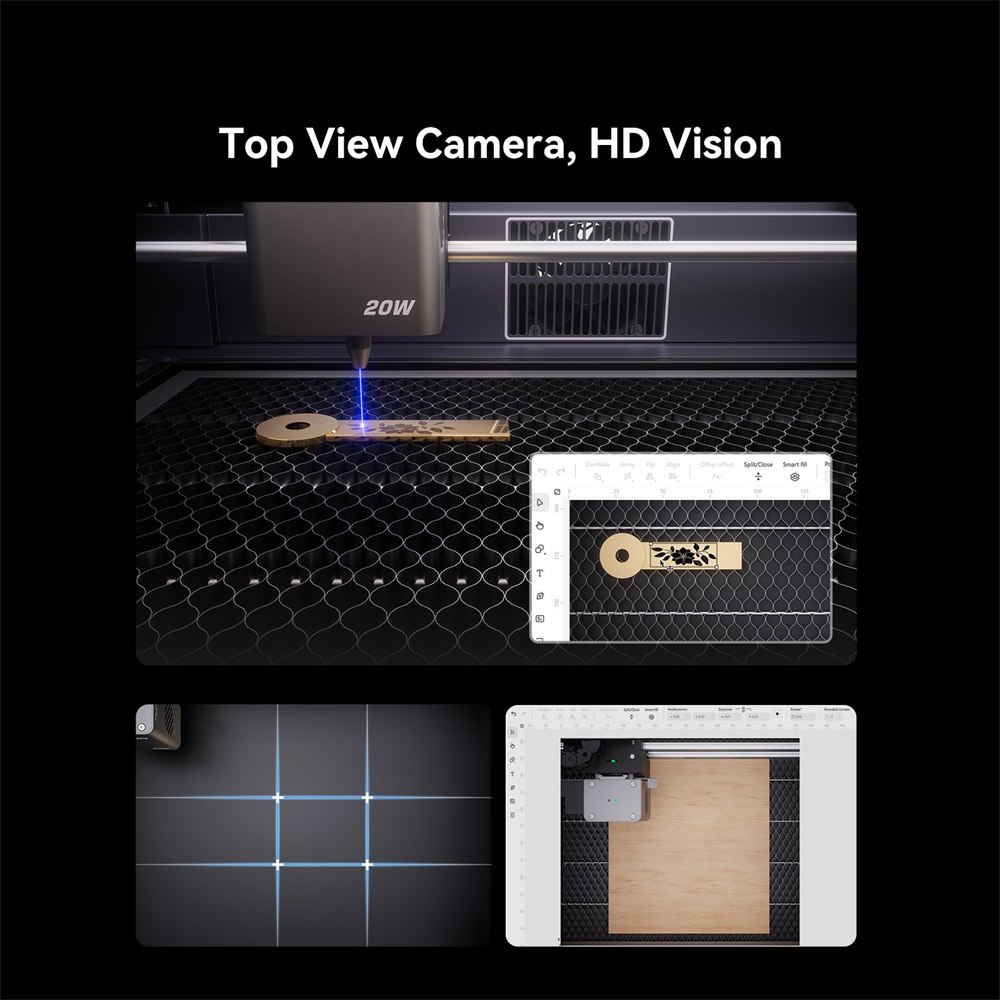
Autofocus and a top-view HD camera align the design to the workpiece.
A fully enclosed, smoke-filtering chassis with flame detection, tilt/drop stop and airflow monitoring.
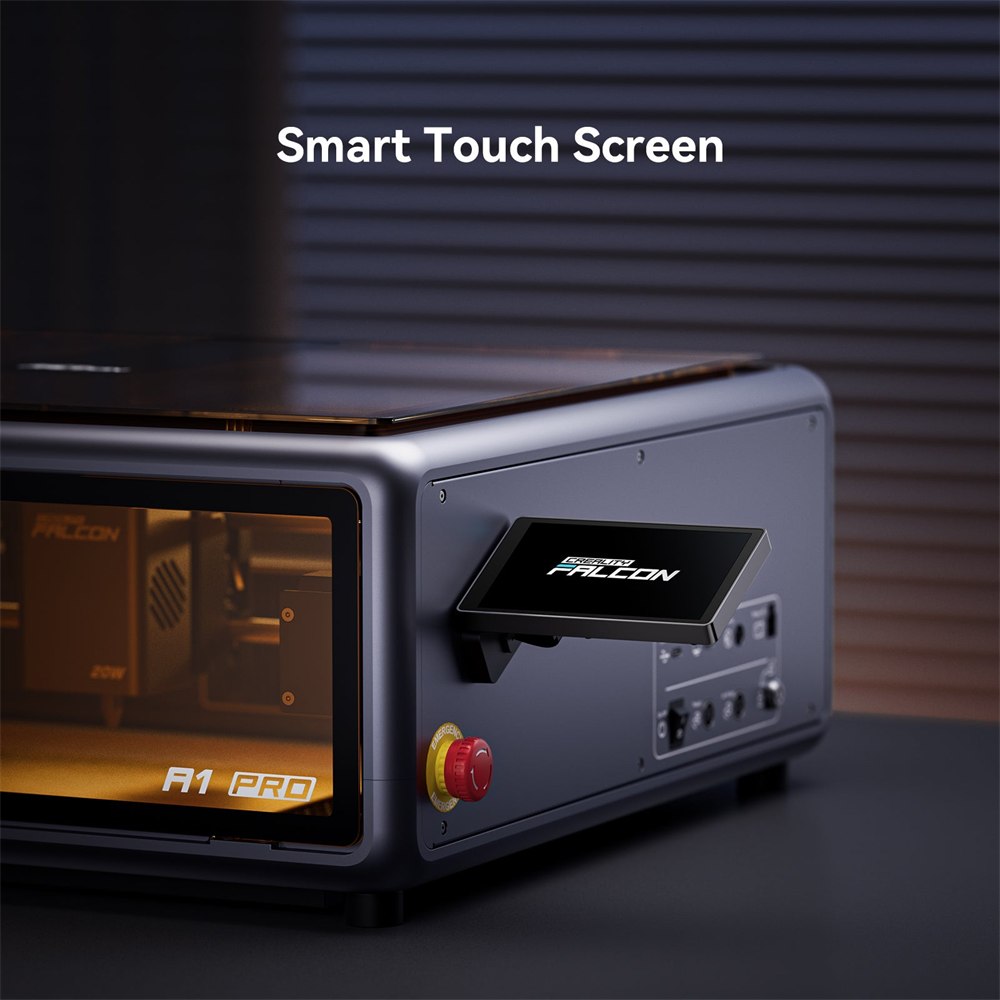
Control from the integrated touchscreen or the mobile app, with real-time monitoring.
Features
The 20W blue diode handles cutting and engraving on wood, leather, acrylic and similar materials. Adding the optional 2W infrared module extends the machine to metal and plastic marking without changing the frame.
Why it matters: One enclosure covers both the craft materials and the metal-marking jobs, instead of two separate lasers on the bench.
Creality lists a Class 1 enclosed design with dual flame detection, a tilt/drop emergency stop and airflow monitoring, plus a built-in air assist to keep cuts clean.
Why it matters: A laser that can run in a classroom or shared workshop needs the enclosure and the interlocks, not just a pair of goggles.
Specifications
| Laser source | 20W blue diode; optional 2W infrared (IR) module sold separately |
|---|---|
| Working area | 268 × 358 mm |
| Max speed | 600 mm/s (CoreXY) |
| Focusing | AI visual autofocus; top-view HD camera |
| Safety | Class 1 enclosed; flame detection, tilt/drop stop, airflow monitoring |
| Control | Integrated touchscreen and mobile app; real-time monitoring |
| Materials | Creality lists 350+ materials across the 20W diode and 2W IR sources |
| Software | Falcon Design Space (Windows, macOS) |
Values are taken from the supplier's October 2026 price list and Creality's own Falcon A1 Pro product listing. The 2W IR module is not part of the standard package unless stated.
In the box
Package contents beyond the items listed are being confirmed with the supplier.
FAQ
Resources
Technical values come from Creality's official documentation. Descriptions and guidance on this page are written by The Learning Collection. Image sources are recorded in our internal image manifest.
More in Falcon A Series